
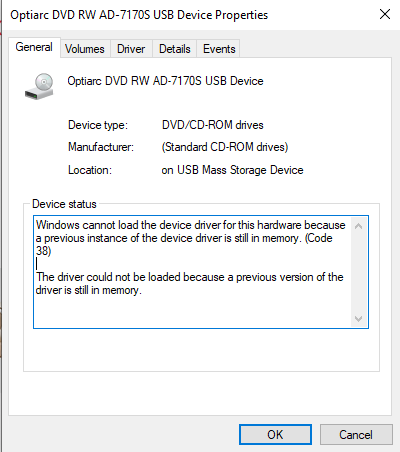
Windows cannot load the device driver for this hardware because a previous instance of the device driver is still in memory. (Code 38)
The driver could not be loaded because a previous version of the driver is still in memory.
- Uninstall previously installed drivers and reinstall the newer version from the manufacturer’s website
- Run the Hardware and Devices Troubleshooter
- Re-install USB drivers
- Run the system in clean boot
